

Tutorial
Download the free PDF guide for self-management of the site!

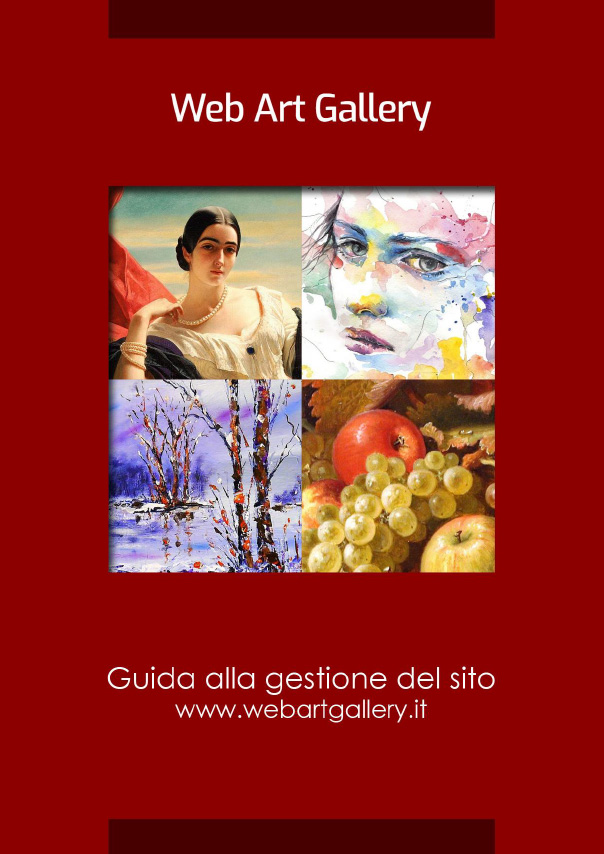
Click on the cover to download the guide
Video Tutorial
01. How to log in to your Web Art Gallery
02. How to insert images of the works
03. How to add captions to images
04. How to order images of the works
05. How to change the image preview
06. How to edit biographical text
07. How to change an image on pages
08. How to update the exhibition curriculum
09. How to add critical texts
10. How to add links to your social pages
11. How to replace the header image on the pages
12. How to manage translations on your site
For optimal viewing of the videos, we suggest you watch them at full screenby clicking on the last icon in the video at the bottom right.
Once enlarged, click on the gear icon and the writing HD (settings) to be able to see it in high definition and tick the 1080p resolution.